Plans change. Set keeps up.
Every task gets a start time, so you always know when you will finish. Running behind? One tap reschedules the rest of your day.
Free to use. Pro unlocks the lot, and supports one developer.
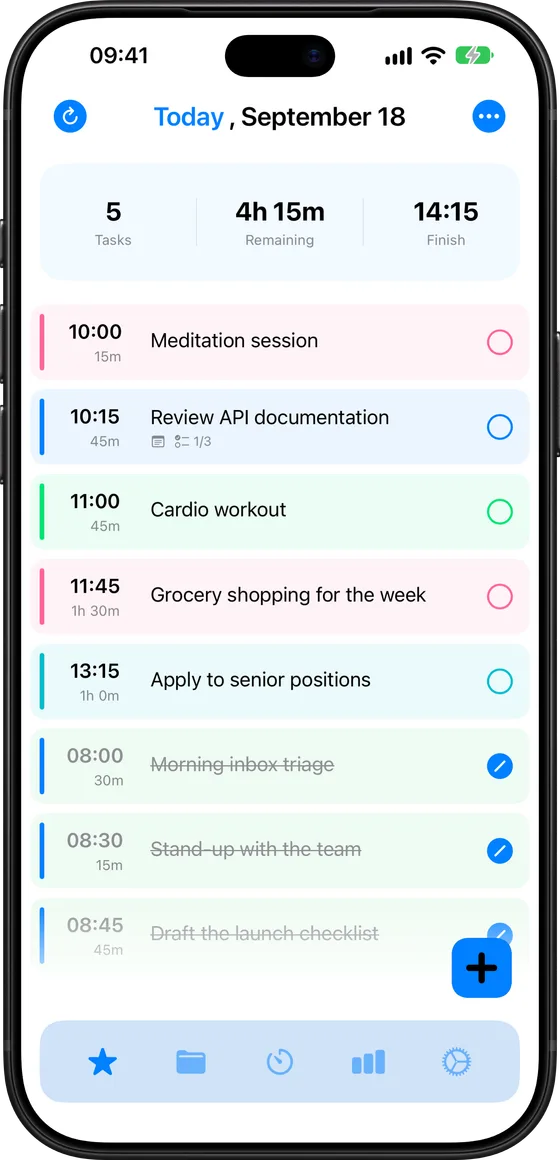
Today
Finish 10:45
- 09:0015m Meditation session
- 09:0045m Review API docs
- 09:0045m Cardio workout
New in Set 4
Now on your wrist.
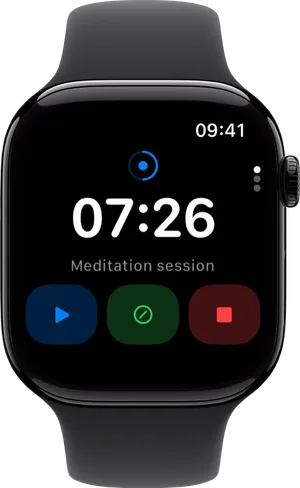
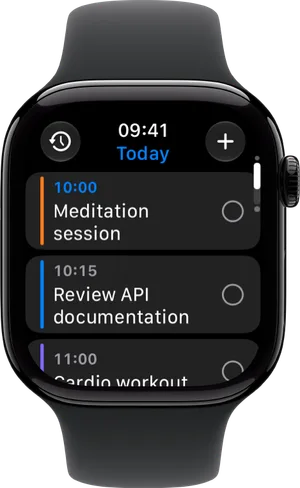
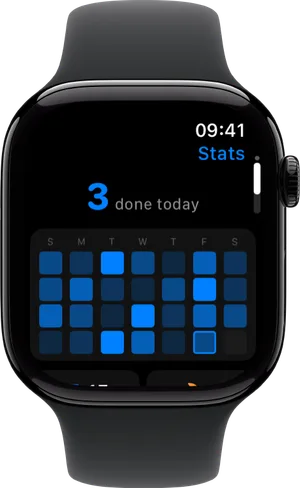
Your whole day on your watch: the timeline in order, one tap to complete, drag to reorder, breaks and Reschedule. iCloud keeps it safe on its own, and with your iPhone nearby changes travel between the two in about a second.
- The timer, with or without your iPhone
- Complications for your watch face
- Capture a task by voice
- Your streak and stats at a glance
Planning shouldn't feel like work
Set is built for brains that lose track of time. It does the arithmetic, keeps the day honest, and gets out of the way.
Time, made visible
Give a task a length and Set works out when it starts, when it ends, and when your day does.
One tap to replan
Lost an hour? Reschedule rebuilds the rest of the day from now, around your meetings.
Momentum you can feel
Streaks, achievements and real numbers for the time you spent, not the time you meant to.
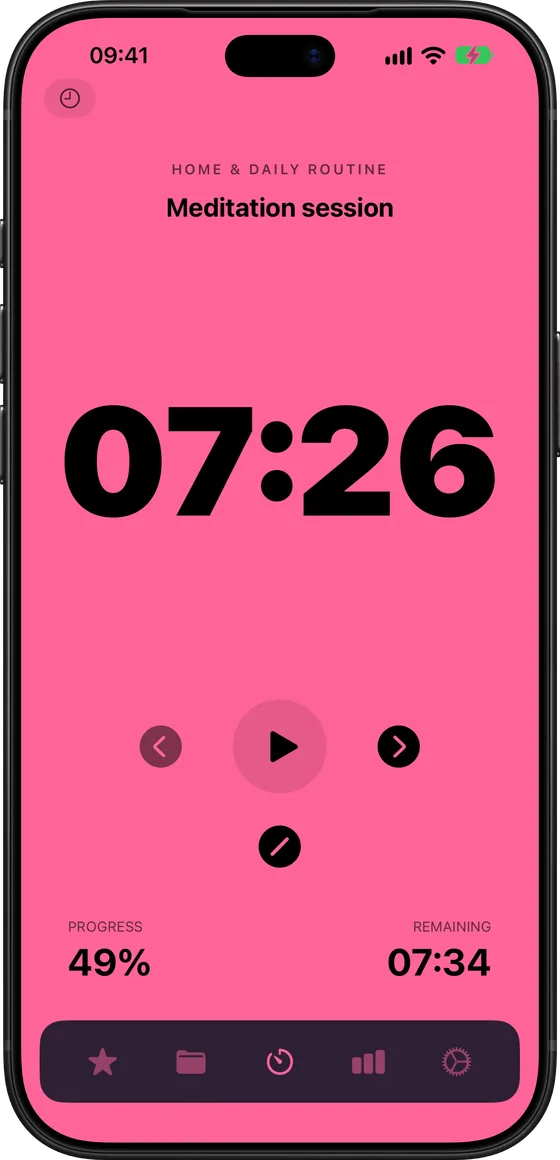
Timer
Find your flow. Stay with it.
A flexible timer that tracks the time you really spend, with no forced intervals. Pause, switch tasks and carry on, on your Mac or from your wrist. What you actually spent goes into your stats.
- No forced intervals
- Live Activity and Dynamic Island
- Runs on the watch on its own
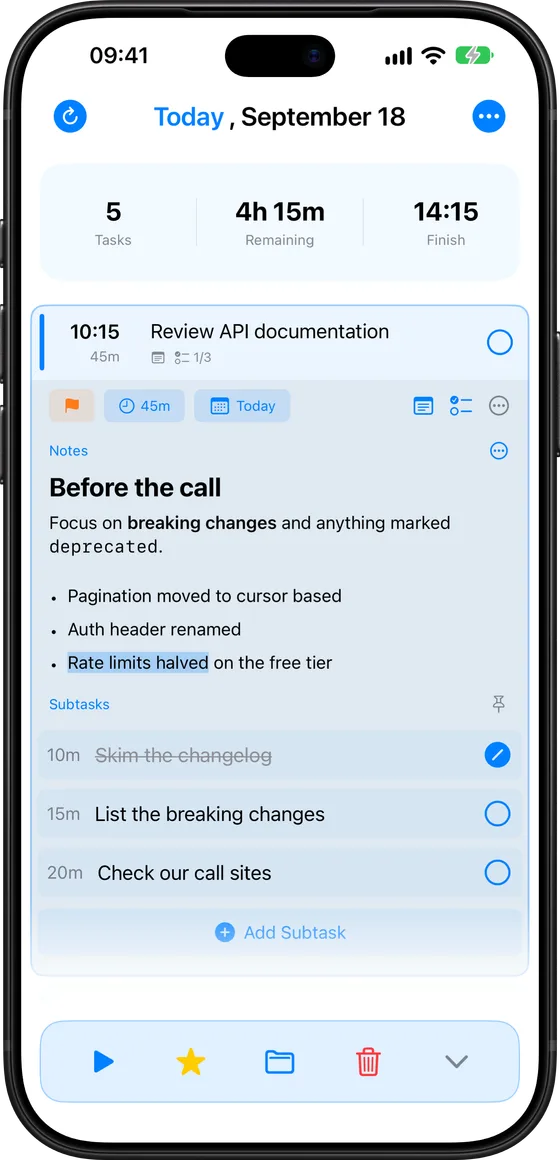
Projects
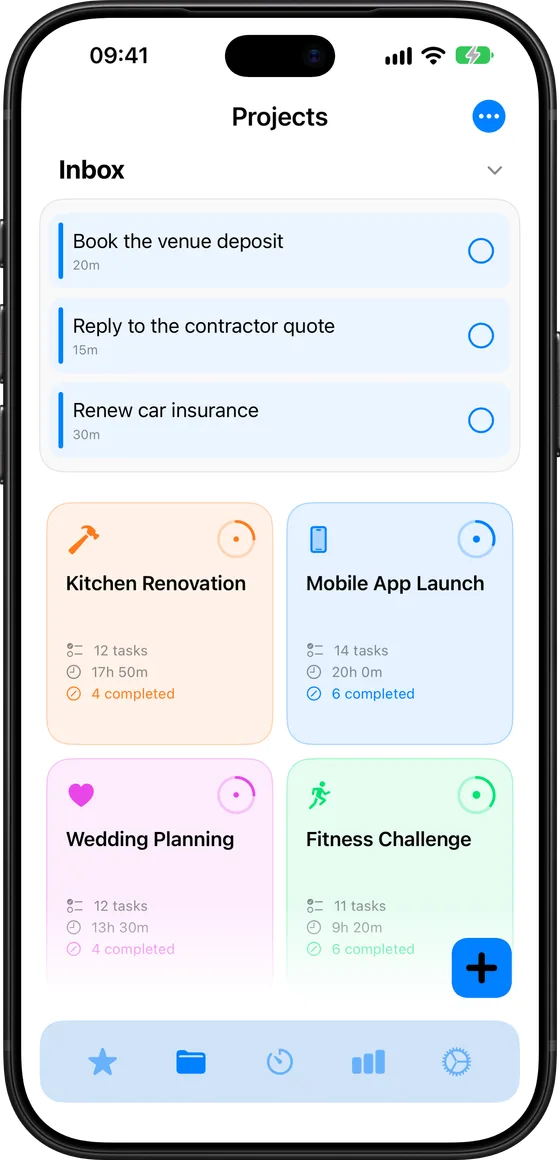
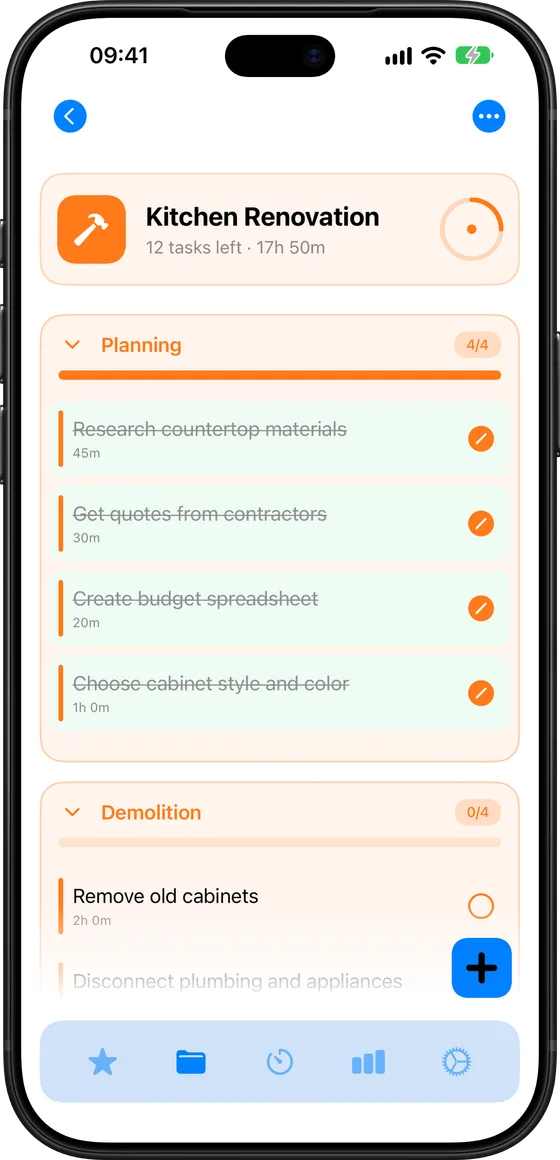
Big plans. Smaller steps.
Capture anything in your Inbox, give every project a home and break big work into stages. Star a task and it joins today at the right time, with its own colour on the timeline.
- Inbox for everything unsorted
- Stages for the order of work
- Progress you can see
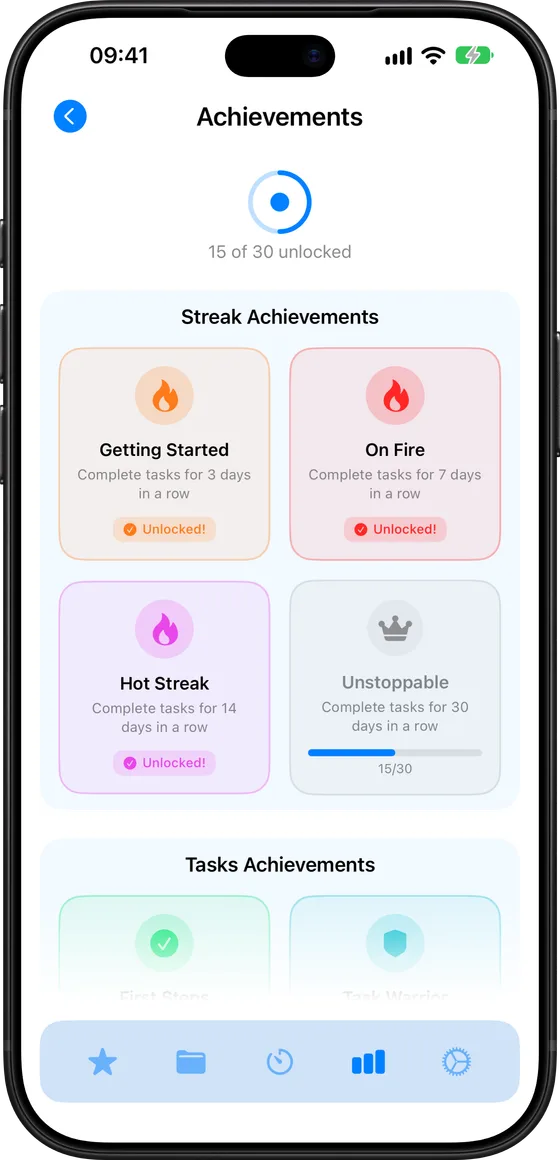
Stats and achievements
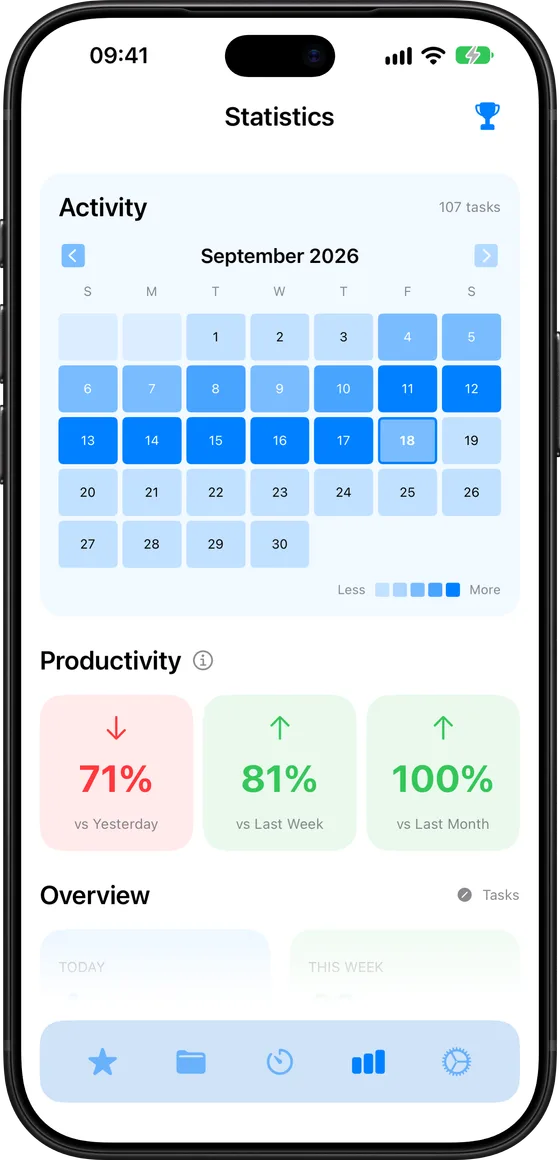
Small wins. More momentum.
See where your time actually went, keep a streak alive and unlock achievements as you go. Showing up counts, and Set keeps the receipts.
- A year of activity at a glance
- Streaks that survive a bad day
- 30 achievements to unlock
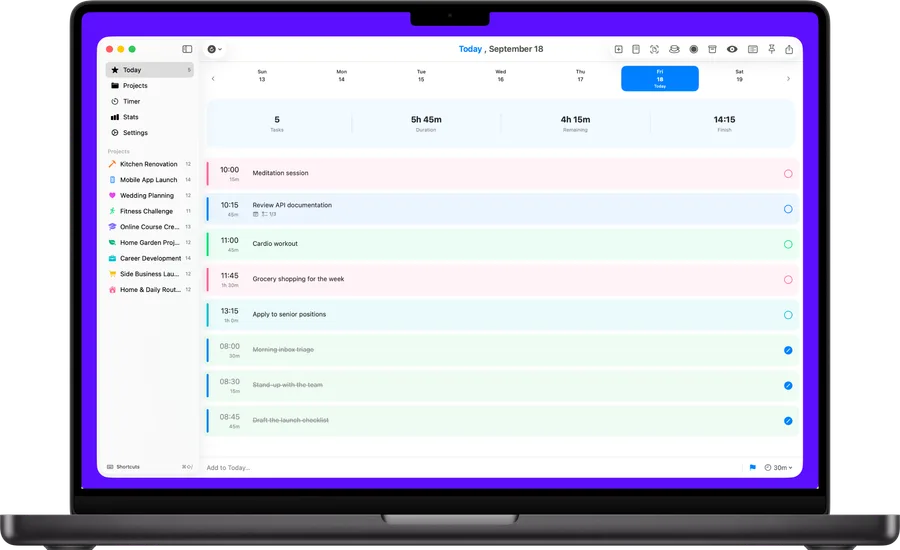
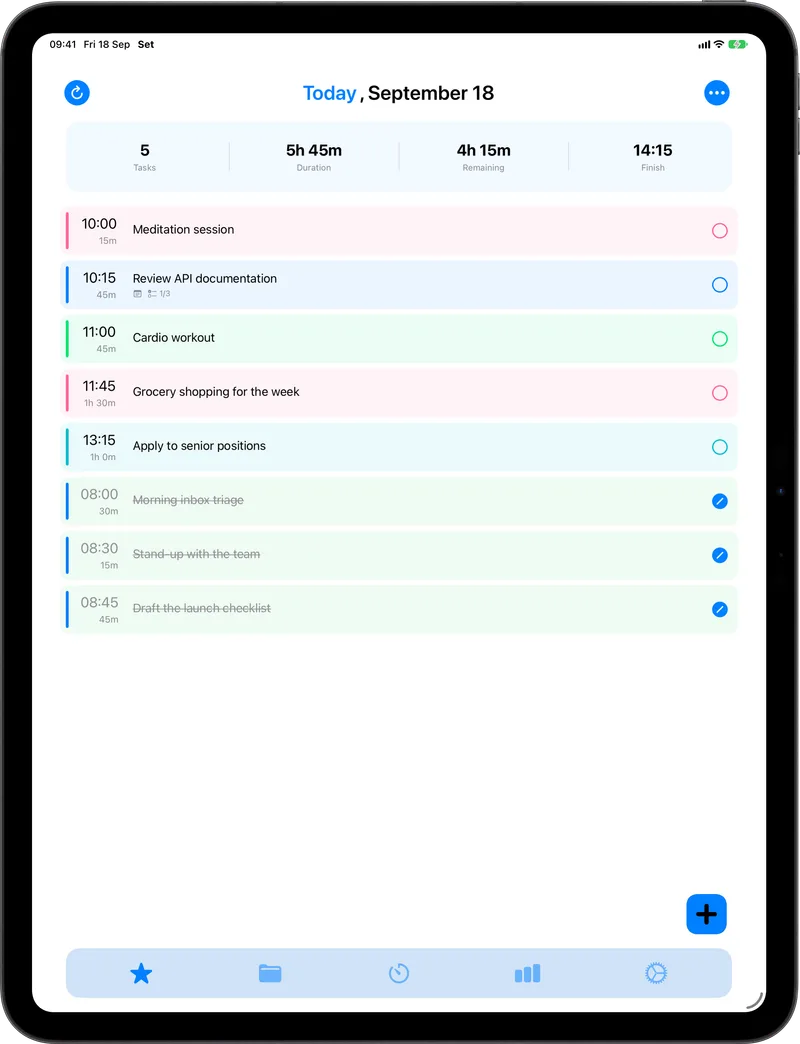
iPhone, iPad, Mac and Apple Watch
One plan. Everywhere.
Your tasks sync with iCloud, so you can pick up on whichever device is closest. Nothing to sign up for, no account to remember.
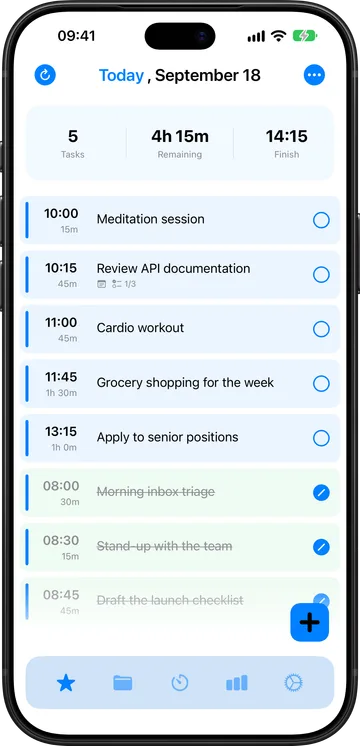
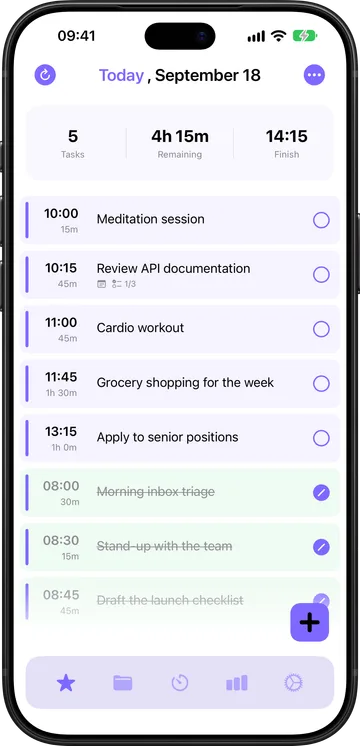
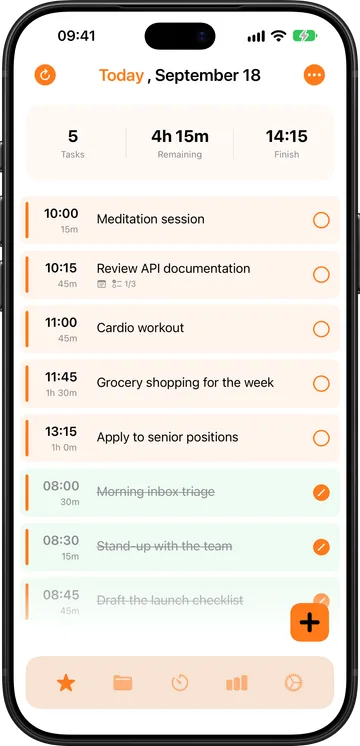
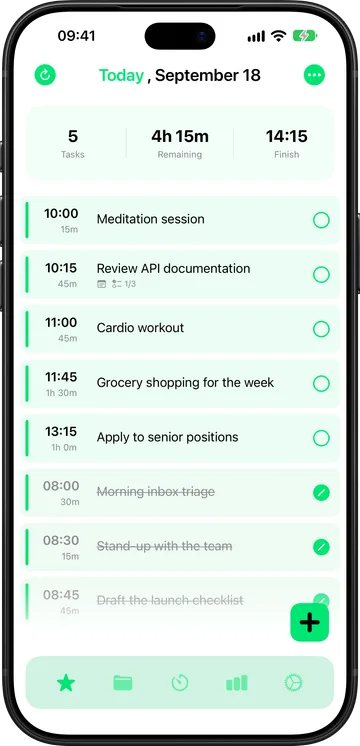
Make it yours
Your day. Your colours.
Eleven accent colours, project colours that carry through the whole timeline, and a proper dark mode. Tap one to see it.
Start free. Stay if it helps.
Set is made by one developer. The free version plans your day; Pro takes the limits off and keeps it being made.
Free
Everything you need to plan a day.
- Today, projects and the timer
- Apple Watch app and widgets
- Up to 20 tasks and 2 projects
Set Pro
The whole app, on every device you own.
- Unlimited tasks, projects and stages
- Calendar and Reminders sync
- Stats, achievements and themes
- Family Sharing for the household
Plan your day in seconds.
The task manager for ADHD minds, on iPhone, iPad, Mac and Apple Watch.